
Built-in: File objects
Some value types are common across many components. File objects are the canonical example: FileInput, drag-and-drop zones, and upload widgets all deal with File instances. Without enrichment, a value:change trace for a file upload logs [object File] -- useless for debugging, invisible to test generation.
The fix goes into the generic layer, inside wrapComponent.tsx, so every wrapped component benefits automatically:
traceDisplayLabel checks instanceof File and emits the filename instead of [object File]. A single file becomes "photo.jpg". Multiple files become "photo.jpg, notes.txt". Any component that fires didChange with a File value gets readable trace labels without any per-component work.
extractFileMetadata adds { name, size, type } to the trace event. This is what trace-tools reads when generating Playwright tests -- it emits setInputFiles('photo.jpg') instead of failing on an opaque object reference.
Both functions live in wrapComponent.tsx and run for every value:change event across all wrapped components.
Before wrapping
Without the wrapping approach, the didChange handler fires and the inspector shows engine internals -- handler:start, state:changes, handler:complete.
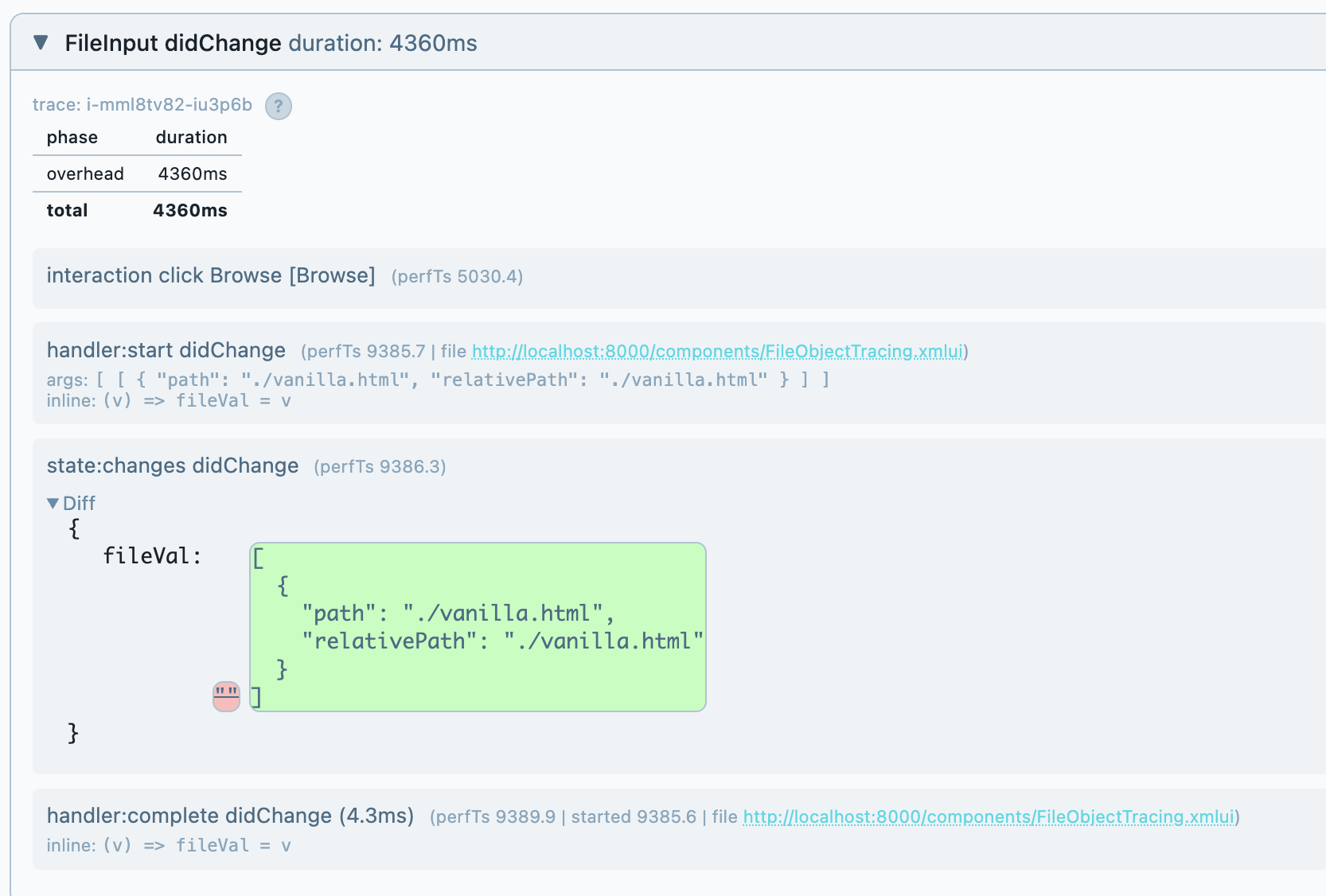
The state:changes entry deserves attention. It shows the reactive state diff -- what changed and what the new value is. This is a window into XMLUI's reactivity engine that is otherwise completely opaque. When a form misbehaves or a value doesn't propagate, this diff is how you diagnose the problem. A person can read it, an AI can reason about it, and a mixed team of both can use it as shared ground truth. It's essential for debugging regardless of whether the wrapping approach is used.
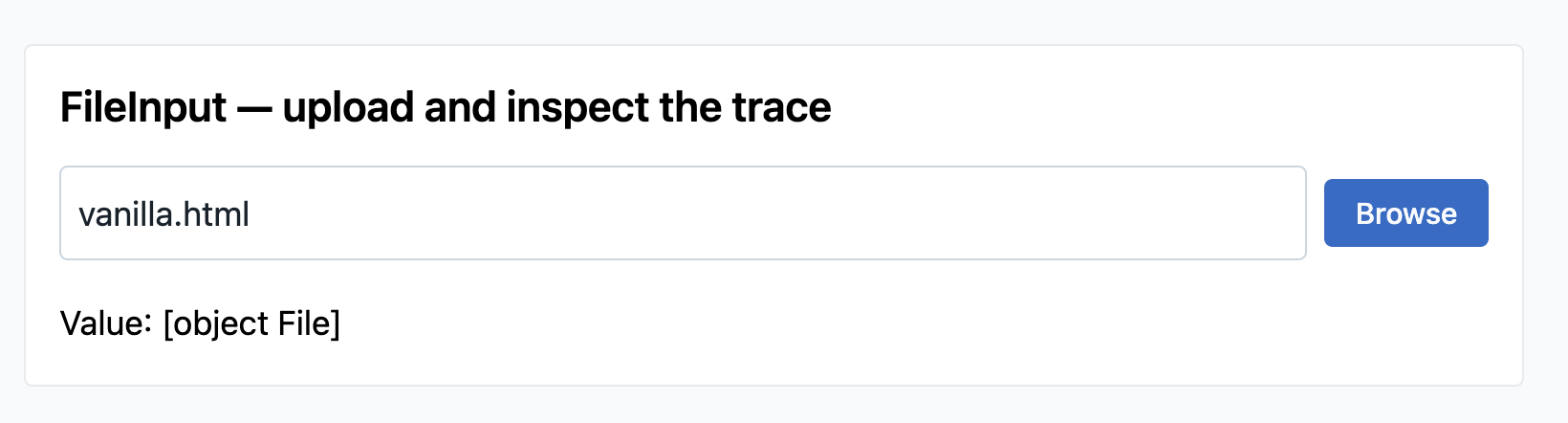
But the state diff alone isn't enough. It doesn't name the component, doesn't include the accessible label, doesn't carry structured metadata. A screenreader user uploaded a file, but the trace doesn't know which FileInput they used or what the file was called.
After wrapping
With FileInput converted to use wrapCompound, the same interaction now produces a value:change trace line:
value:change didChange FileInput [Upload a file] "vanilla.html"
That single line carries three things the "before" trace doesn't:
- The component name (
FileInput) and thearia-label(Upload a file) -- so the trace names the control a screenreader would announce. trace-tools can generategetByRole('button', { name: 'Upload a file' })instead of a brittle CSS selector. - The filename (
vanilla.html) as the display label -- so a human reading the trace knows what happened without expanding the state diff. - Structured file metadata (
{ name, size, type }) attached to the event -- so trace-tools can generatesetInputFiles('vanilla.html')for Playwright test replay.
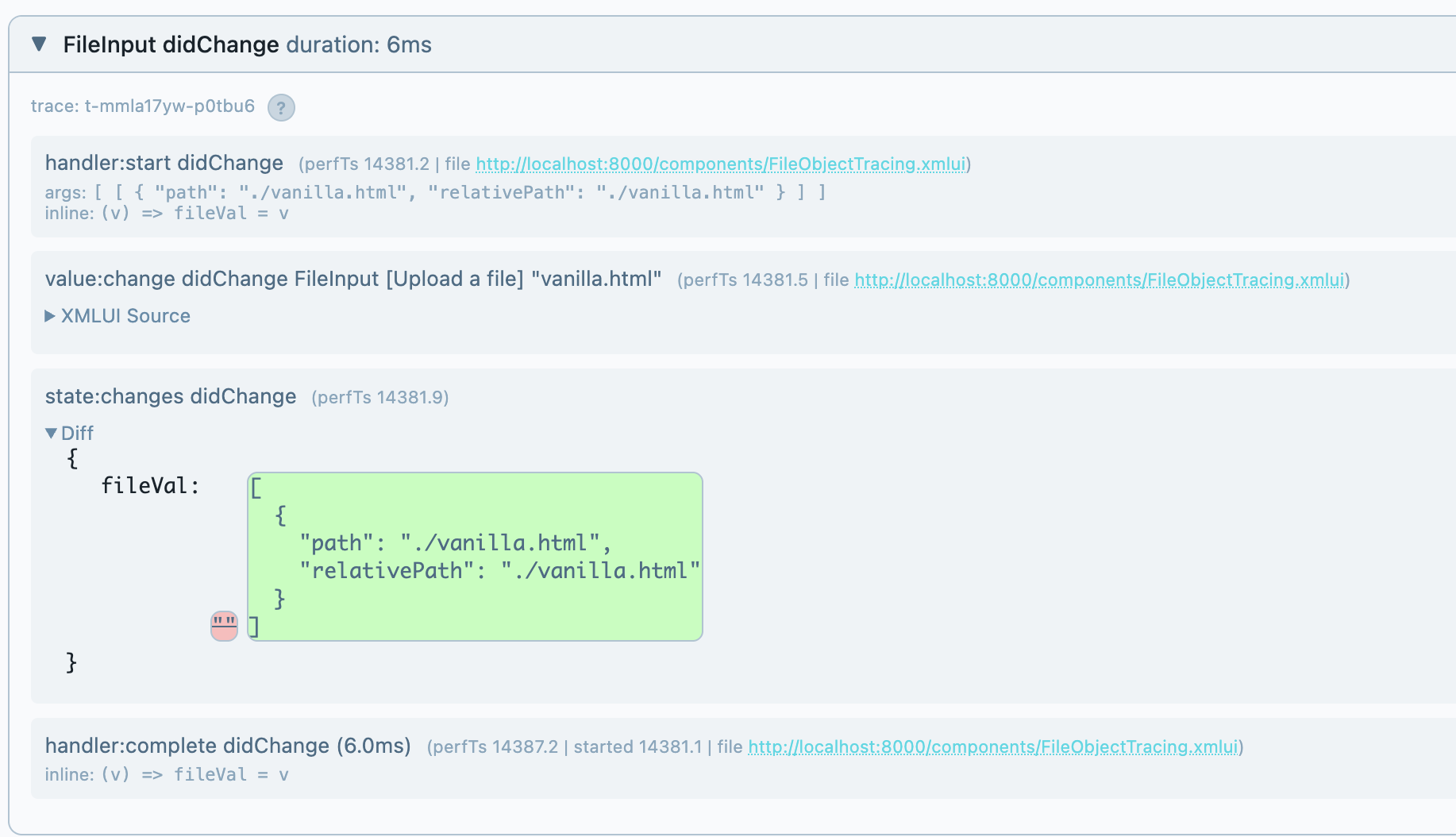
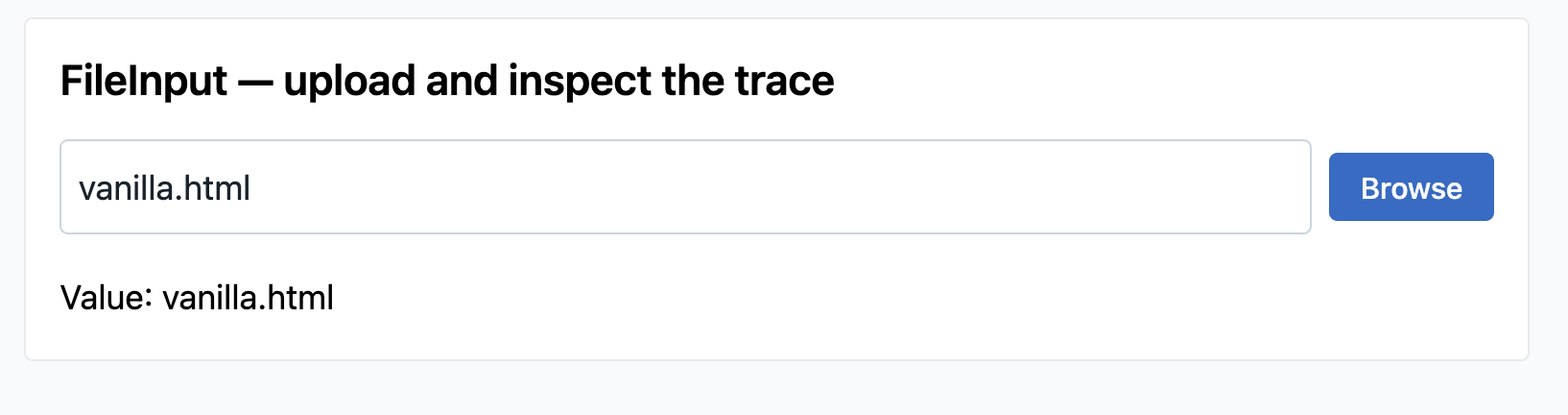
The engine internals (handler:start, state:changes, handler:complete) are still there -- they didn't go away. What changed is that the semantic layer now sits alongside them, giving screenreaders, AIs, and test generators something meaningful to work with.
Why this is a generic fix
The key insight: File is a value type, not a component type. Any component that accepts file values -- FileInput, a drag-and-drop zone, a custom upload widget -- gets the same enrichment automatically. traceDisplayLabel and extractFileMetadata run inside the generic trace path in wrapComponent.tsx, not inside any specific component's code.
This is the pattern for Level 2 enrichment of common types. If a value type appears across multiple components (dates, colors, structured objects), the fix belongs in the generic layer. The next page shows what happens when the value type is specific to one component.